



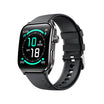
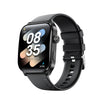
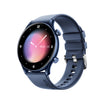
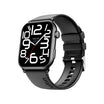
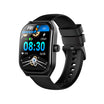
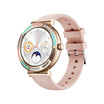
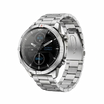
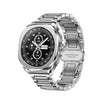

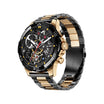
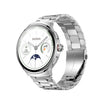
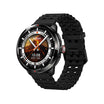

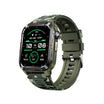
You worry. That's just what happens when your parent lives alone, or when they've had a scare, or when they're getting a little unsteady on their feet.
So you think: a smartwatch. Fall detection. GPS. Heart rate. Problem solved, right?
Then you buy one, hand it over — and three weeks later it's sitting in a drawer, dead, because the charger was confusing and the text was too small.
The device wasn't the problem. The choice was. Here's what actually matters.
Why Most Wearables Fail Older Users
Before the checklist, know the three killers:
-
Too complicated – endless menus, tiny icons, confusing swipes. If it takes 10 taps to call for help, it won't get used.
-
Too much charging – a device that needs a charge every night is a device that gets forgotten. Aim for 5+ days.
-
Too much noise – constant notification buzzes make people take the thing off. Fewer alerts = more wear time.
The Checklist: What to Look For
1. Fall detection (the big one)
This is the single most valuable feature. Look for automatic fall detection that triggers an alert if no movement follows — not just a manual SOS button. Manual buttons only work if they're conscious and thinking clearly. Automatic detection works when they're not.
2. One‑button SOS
Ideally a physical button, not a swipe or a long‑press menu. One press, contacts notified, location shared.
3. GPS location
For wandering concerns, or simply so you know where they are if they don't answer. Bonus if it works without a phone nearby (cellular models cost more, but they're worth it for this use case).
4. Heart rate + irregular rhythm alerts
Useful context for you and their doctor. Just be clear with yourself: these are nudges, not diagnoses. Don't expect medical-grade accuracy, and don't let a normal reading talk anyone out of seeing a doctor.
5. Battery life of 5+ days
Weekly charging is manageable. Nightly charging is a chore. This is where most gifts go to die.
6. Big, bright, simple display
Large text, high contrast, minimal clutter. A watch face showing just time and date is better than one showing six stats.
7. Comfort
Light weight, soft band, not bulky. If it catches on sleeves or feels heavy, it comes off.
8. Simple charging
Magnetic puck or dock — something that only goes in one way. Avoid fiddly micro‑USB ports.
Before You Gift It: Do the Setup Yourself
This part matters more than the device.
-
Charge it fully and pair it to their phone (or yours, if needed)
-
Add emergency contacts — you, a sibling, a neighbour
-
Turn on fall detection and SOS and test it once, together
-
Strip the notifications — calls and messages only. Kill the rest.
-
Set up auto‑answer so calls connect without them hunting for a button
-
Write a one‑page cheat sheet — how to charge, how to call you, what the buttons do
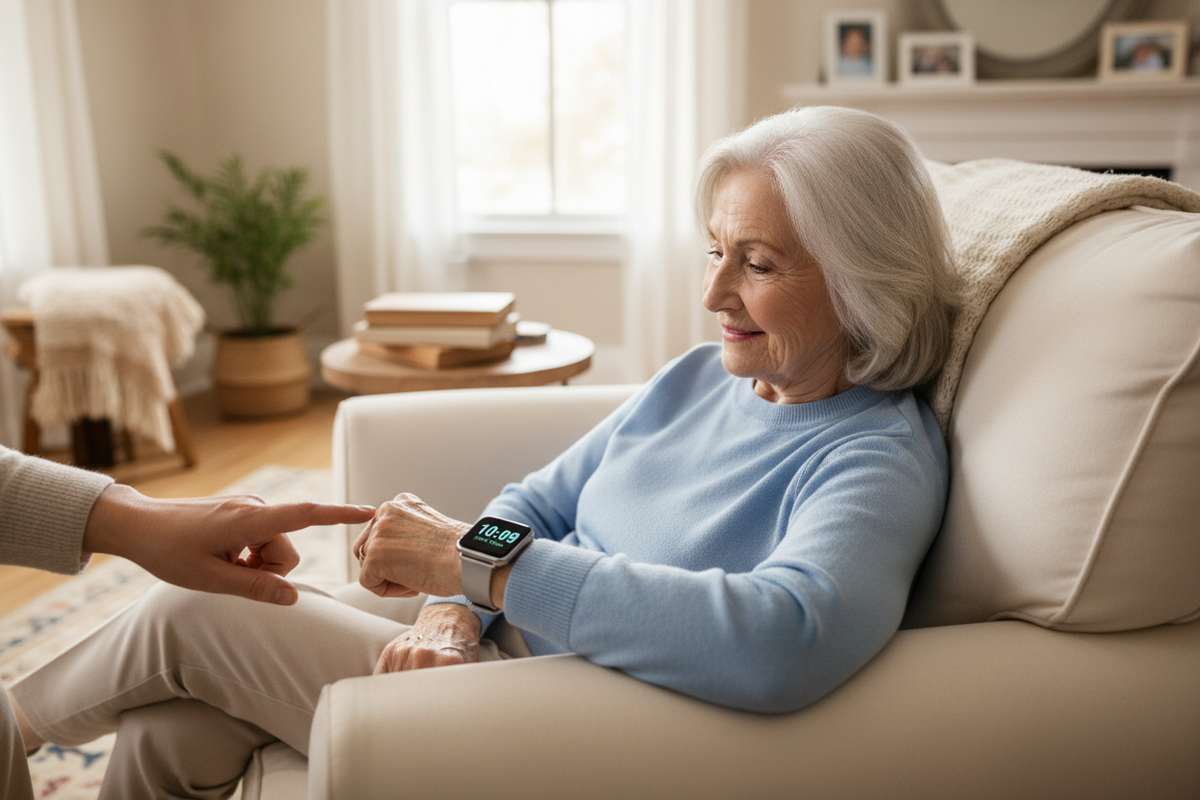
Then sit with them for 15 minutes and practise. Muscle memory beats manuals.
What You Probably Don't Need
-
Fancy workout tracking and VO₂ max scores
-
Sleep stage breakdowns
-
Contactless payments
-
A dozen watch faces
These are features for you, not for them. Every extra feature is one more thing to be confused by — and one more reason to stop wearing it.
The Bottom Line
The best wearable for an aging parent isn't the one with the most sensors. It's the one they'll actually keep on their wrist — simple to use, easy to charge, and ready to call for help when it counts.
Buy for their habits, not your wishlist. Set it up before you hand it over. Then practise together.
That's how a gadget becomes peace of mind. ❤️


Tinggalkan komen
Laman ini dilindungi oleh hCaptcha dan tertakluk pada Dasar Privasi dan Terma Perkhidmatan hCaptcha.